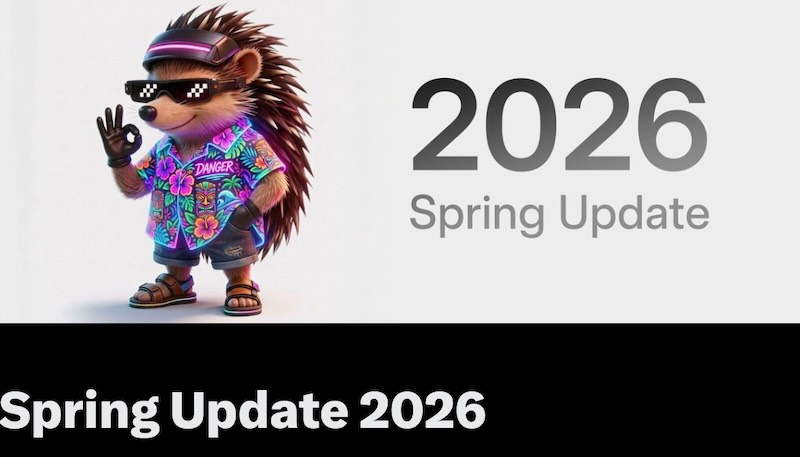
Tesla 2026 Spring Update has officially landed, and it’s one of the most feature-dense OTA releases in recent memory. Packed with quality-of-life improvements, hardware-specific enhancements, and a few genuinely surprising additions, this update signals a clear shift in how Tesla is thinking about the in-car experience — not just for the driver, but for everyone on board.
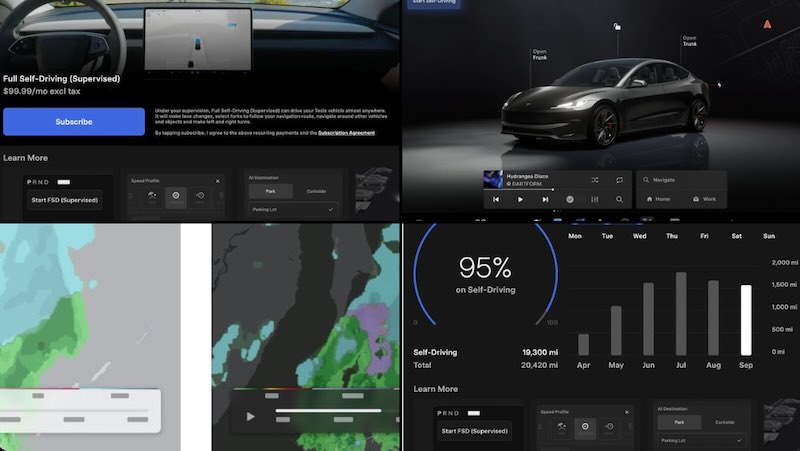
Honestly, the most compelling change here is the expanded car visualization suite. Previously exclusive to the Model S and Model X, new park scene environment and higher-quality car rendering have now made their way to the 2026 Spring Update for Model 3/Y owners. It’s a meaningful upgrade — one that brings a more premium feel to Tesla’s best-selling vehicles without requiring a hardware change.
Complementing the visuals is the new Blind Spot Warning Accent Lights system. Interior LED ambient lighting now turns red when an object enters your blind spot while your turn signal is engaged, or when an approaching object is detected while parked. It’s a safety-oriented feature that many owners had been requesting, and Tesla’s implementation feels well-considered.
Tesla 2026 Spring Update also deepens the integration of Grok, xAI’s conversational assistant. Drivers can now launch it hands-free by saying “Hey Grok,” set location-based reminders, like being nudged to stop for groceries near home — and dismiss it just as naturally by saying “goodbye.” It’s a workflow that feels intuitive rather than forced.
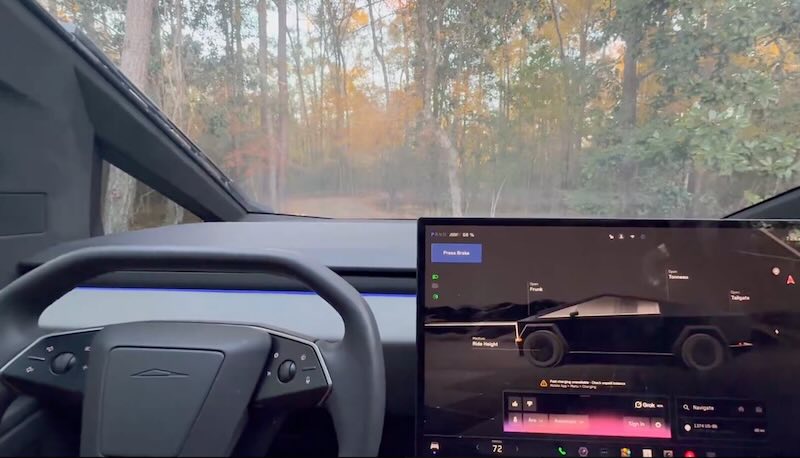
Pet Mode gets a thoughtful refresh, too. Owners can now choose between a dog, cat, or hedgehog display when the mode is active, and optionally add a custom name via Controls > Display > Customize Pet Mode. Small touch, significant personality.
Trip tracking sees a practical upgrade as well. New multi-trip creation tool lets drivers monitor energy consumption across separate drives, with quick access via a left swipe on the media player. Meanwhile, Sketchpad now supports stickers and emojis, with the ability to save and share sketches directly through the mobile app.
Rear-seat passengers can now view and interact with maps on the rear display during active navigation — a notable departure from the prior Robotaxi-only arrival time display. Elsewhere, weather maps now differentiate between rain and snow using improved color coding, and include the past hour of precipitation data.
Automatic overnight software installation is also live, updating your vehicle while it sits parked and unused. Dashcam retention extends to 24 hours, with permanent clip storage now available.
So, is the Tesla 2026 Spring Update the one that finally makes your Model 3/Y feel brand new again? Spring into it and find out.
Related Post
Tesla 2025 Holiday Update: Grok AI Navigation and 3D Supercharger Maps
Tesla Finally Brings Dashcam Viewer to Android App – Check Footage on the Go
Tesla Adds B-Pillar Camera View to Cybertruck App | Critical Security Upgrade